 peekpanda
Refreshing keywords
What a keyword refresh does, how to read its state, and what happens when fresh data is not yet available.
Download Markdown ↓The refresh control asks PeekPanda to collect newer public keyword observations where they are needed. Most keyword pages read observations already stored, so a refresh can take time to complete. You can continue using the workspace while it runs.
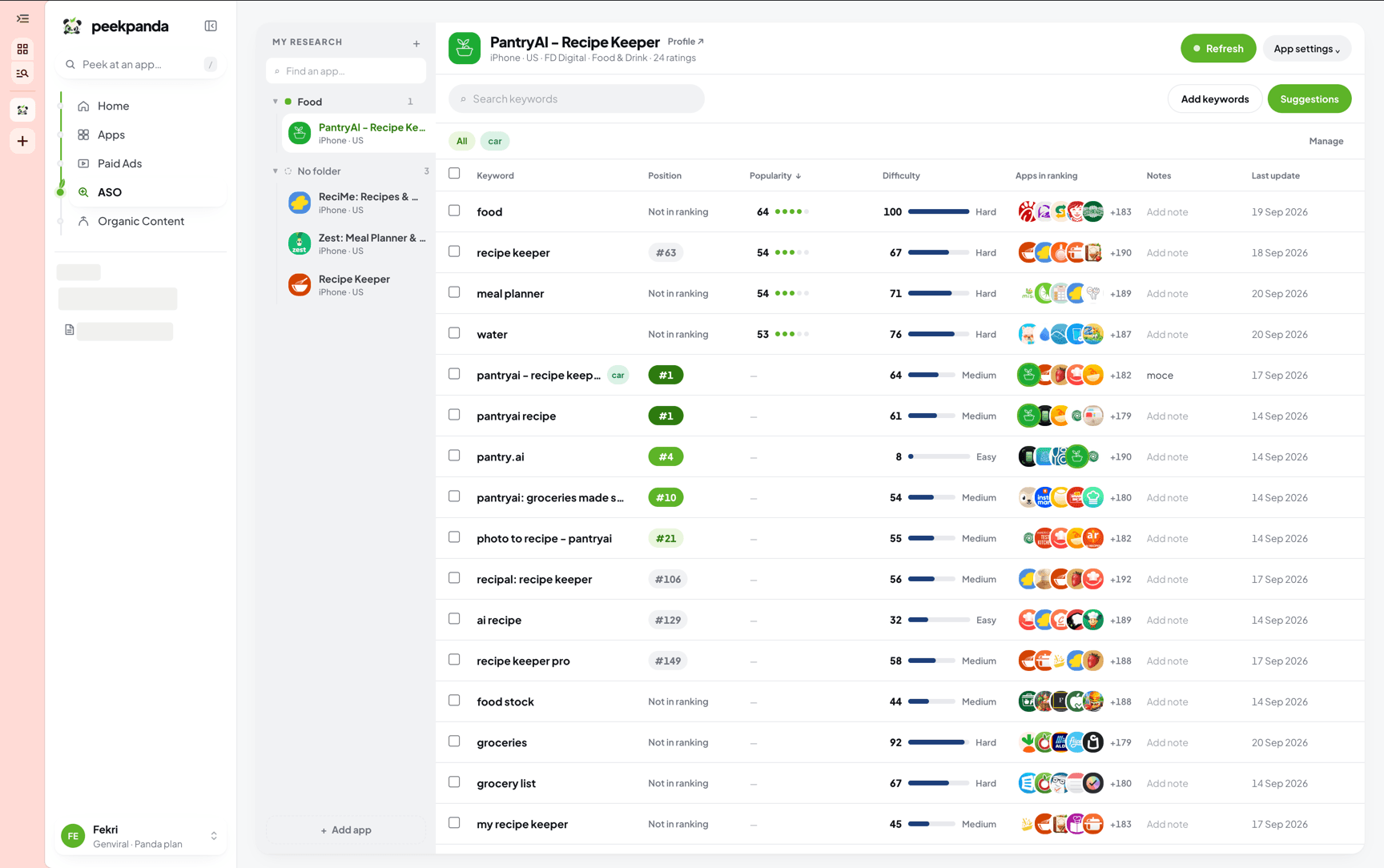 Refresh sits at the top of a tracked app in the ASO workstation.
Refresh states
| State | Meaning |
|---|---|
| Refresh | Some keyword evidence can be updated. |
| In progress | PeekPanda has accepted the request and is collecting public observations. |
| Recently refreshed | The available evidence is already recent, or a new request is temporarily unavailable. |
| Everything is current | Nothing needs collecting right now. |
The page updates when results land. If a request cannot be completed, PeekPanda keeps the last valid observation and explains when you can try again.
What a refresh can collect
For a tracked app, PeekPanda refreshes tracked keywords and relevant public search observations already associated with that app. It can also surface related terms based on the app’s public listing, so you are not limited to phrases you thought of first.
For an individual keyword, the refresh focuses on that phrase and the public evidence needed to explain it. Current observations are reused rather than needlessly collected again.
What the result means
After requesting a refresh, you may see a pending state, updated dates, or an explanation that no collection was needed. A completed refresh confirms that PeekPanda recorded a newer public observation; it does not guarantee that the store has changed or that a ranking will improve.
If a value remains unavailable after a refresh, the public response did not provide enough evidence to show it responsibly. PeekPanda does not turn that into a zero or a guessed figure.
Related
AI agent or LLM? Read this page as markdown