 peekpanda
Categories
Browse the catalogue by App Store category and see how many listings sit on each shelf.
Download Markdown ↓/apps/categories lists every App Store category the catalogue holds, with a count next to each one. Click a category to open the catalogue table filtered to it.
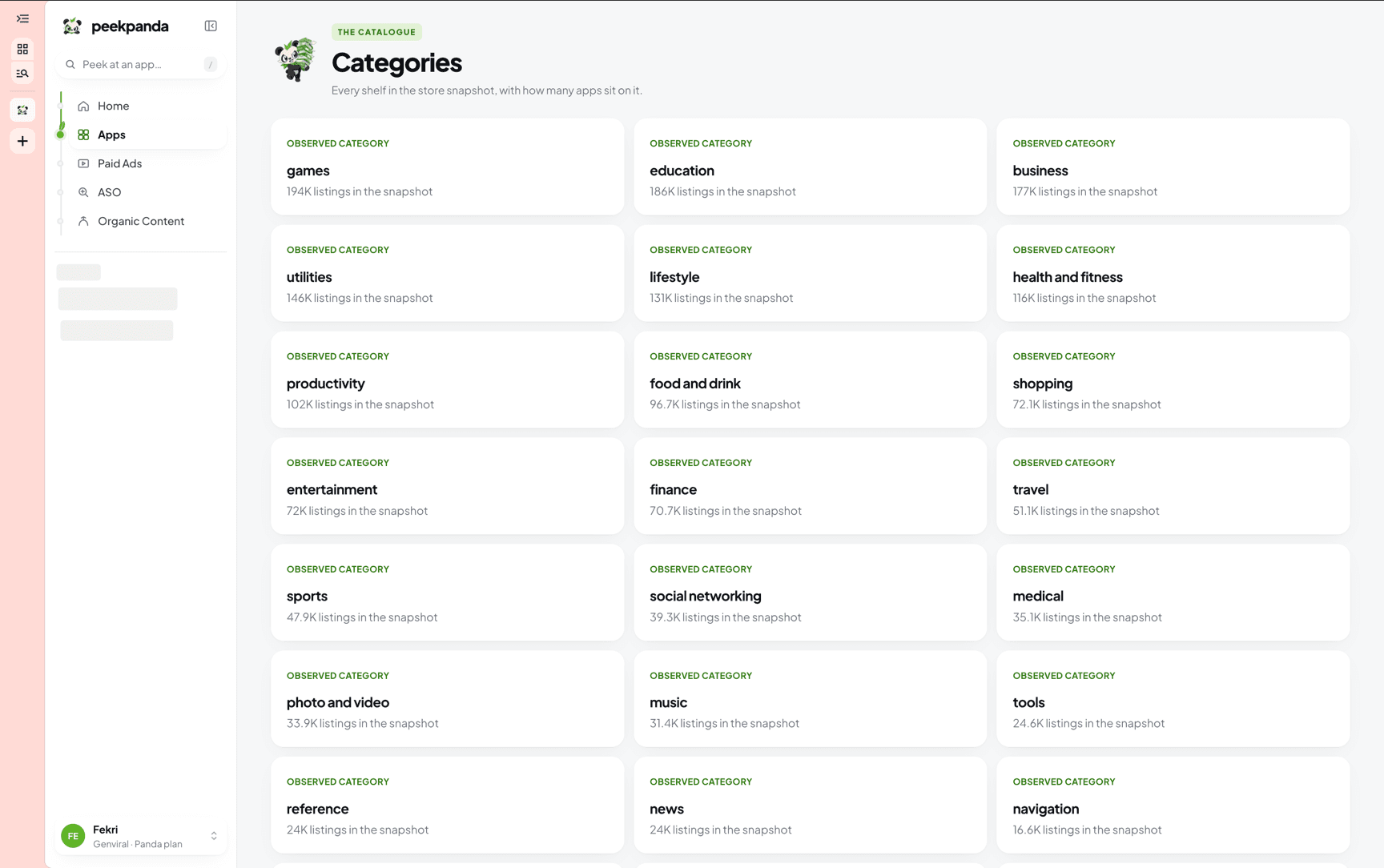 Categories, ordered by how many listings the snapshot recorded.
Reach it from the Categories pill in the Apps view switch, or from All categories on the catalogue page.
What a category card tells you
Each card carries the category name and the number of listings recorded under it in the snapshot. The count describes what PeekPanda collected, not every listing that may exist in that category.
Cards are ordered by count, largest first. Categories with the same count are ordered by name.
A listing with no category recorded appears in no card. It is still in the catalogue and still findable by name.
Opening a category
Clicking a card opens /apps/search?category=<name>. From there the category is a filter like any other:
- The page header changes to the category name.
- The active category shows as a chip in the filter row. The
×on it clears the filter. - Every other catalogue control still applies. Rows stay ordered by rating count, highest first, 24 at a time.
You can also reach the same view by clicking the category on any row of the catalogue table.
Category matching is exact. It filters on the category value stored on the listing, so it will not fold two similar shelves into one.
Categories are not chart shelves
Two different lists of categories exist in PeekPanda, and they are not interchangeable.
| Catalogue categories | Chart shelves | |
|---|---|---|
| Where | /apps/categories and the catalogue table | The Shelf filter on the leaderboards |
| What they group | Listings stored in the catalogue | A stored public chart for one storefront |
| How many | However many the collected listings carry | Overall plus 27 App Store categories |
| Counts mean | Listings collected under that category | Not a count; the shelf picks which chart to read |
Use catalogue categories to browse what has been collected. Use the shelf filter on Leaderboards to read a specific daily chart.
Related
AI agent or LLM? Read this page as markdown